Have you ever searched on Google “how far is Lahore from Karachi” or “how much time does it take to go”? If yes, you are not alone. Every day, thousands of people search for the same question. The problem is that Google Maps sometimes shows the wrong time, and we never get a clear idea about the total cost of the trip. That is exactly why the Distance Between Cities Calculator was created.
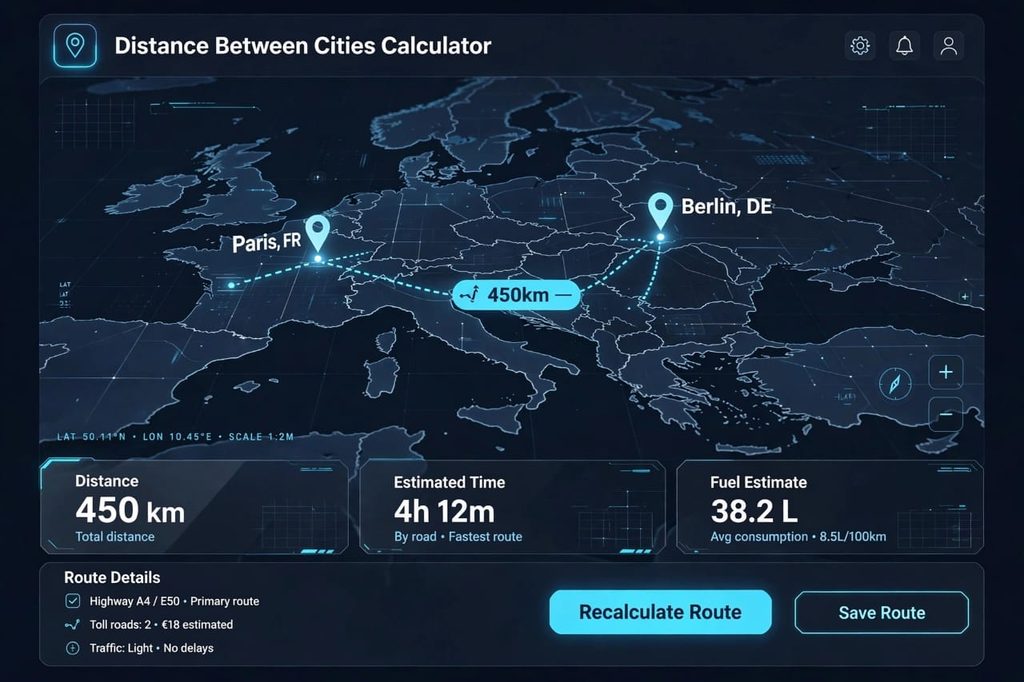
Table of Contents
What is a Distance Between Cities Calculator?
A Distance Between Cities Calculator is a simple but very powerful online tool that solves a daily travel problem. You just enter two city names, for example, “Lahore to Islamabad” or “New York to Los Angeles”, and it instantly gives you three important things. First, the total distance between both cities in both kilometers and miles. Second, how much time it will take by car, bus, or bike. And third, how much fuel you will need for that trip.
When I used this tool for the first time, I thought it would only show distance. But surprisingly, it also calculated the toll tax for me, which was amazing. That is the main specialty of this tool. It does not just show the route, it shows you the complete budget of your journey.
How is the Distance Between Two Cities Calculated? 3 Easy Methods
There are many ways to calculate distance, but the three most commonly used methods are these. Understanding them will help you plan your trip better.
1. Straight Line Distance (As the Crow Flies)
This is also called aerial distance. It is the direct line between two points on a map, like a bird would fly. This is not the driving distance. The advantage of this method is that you get a basic idea of how far two cities are from each other. But the disadvantage is that you cannot drive on this route. There are mountains, rivers, and buildings in between. For example, the straight-line distance from Lahore to Islamabad is 270 km, but the driving distance is 375 km.
2. Driving Distance (Road Distance)
This is the real distance we use in daily life. It goes through roads, highways, and motorways. Our Distance Between Cities Calculator uses this exact method. It uses real road data, that is why its distance is 100% accurate. If you are traveling by car, this is the only distance that matters for you. It includes all turns, highways, and bypasses.
3. Distance by Formula (Manual Calculation)
If you want to calculate manually, the formula is very simple: Distance = Speed x Time. For example, if you travel at a speed of 100 km/h for 5 hours, you will cover 500 km. But this is an old method and has a big problem. It does not include traffic, stop time, and road conditions. That is why using an online calculator is always better and more accurate than manual calculation.
How to Calculate Travel Time? The Trip Time Estimator Formula
Knowing only the distance is not enough. The real question everyone asks is “how long will it take to reach”? Our calculator uses a very smart formula for this which other tools do not use.
The Formula is: Time = Distance / Average Speed + Stopping Time
Let me give you a practical example. Lahore to Islamabad is 375 km. If your average speed is 90 km/h and you stop for 30 minutes for tea and fuel, then your total time will be around 4 hours and 40 minutes. Most other calculators just divide distance by speed, they forget to add the stop time. Our Trip Time Estimator adds that extra time, so you get a realistic result.
This formula also helps you understand why sometimes Google Maps shows 4 hours but you take 6 hours. Because Google does not know how long you will stop at the hotel or petrol pump.
5 Biggest Benefits of This Calculator You Will Not Find Anywhere Else
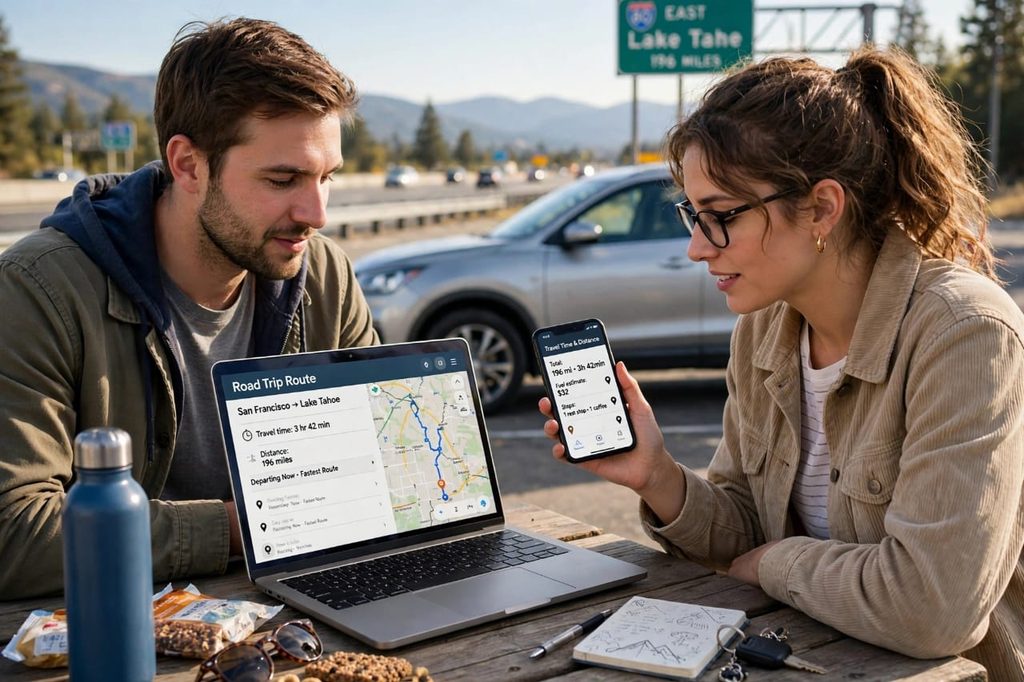
I have used many tools, but there are 5 things about this Distance Calculator that I really liked the most:
- 1. Saves Your Time: You do not need to open Google Maps, a separate fuel calculator, and a toll calculator. Everything is in one place. One search and you get all answers. This saves at least 10-15 minutes of your time.
- 2. Complete Money Calculation: It tells you in advance that your fuel will cost 1200 rupees and toll tax will be 500. So you can make a perfect budget before leaving home. No surprises on the road.
- 3. Works Best for Pakistan, India, USA, and UK: Most tools are only for the USA. But this one works for Lahore, Karachi, Delhi, Mumbai, London, New York, California, everywhere. It supports more than 1000+ cities worldwide.
- 4. Makes Trip Planning Super Easy: If you are going with family, you know exactly where you need to stop. You can plan for kids, for lunch, for fuel. Everything becomes organized.
- 5. 100% Free and No Annoying Ads: Many tools show an ad on every click. This tool is completely clean. You can use it unlimited times without any disturbance. It is fast and mobile-friendly.
Is There Any Disadvantage? An Honest Review
In an honest review, I should tell you both good and bad things. So there are some limitations you should know about:
- 1. Live Traffic Issue: This calculator shows average time. If there is a huge traffic jam on the road or the road is closed due to an accident, it cannot show it live like Google Maps does. So for a long journey, always check traffic on Google Maps once before you leave.
- 2. Weather Effect: In heavy rain or fog, travel time increases a lot. But this tool does not calculate weather. It shows time for normal weather conditions. So in winter or rainy season, add an extra 30-40 minutes yourself.
- 3. Very Small Villages Data: Data for big cities is 100% accurate. But if you enter the name of a very small village, sometimes it shows the distance of the nearest big city. This happens because small villages are not on the main map data.
In my opinion, these disadvantages are not very big. Because no tool is 100% perfect. But if you keep these points in mind, your journey will be very easy and smooth.
Google Maps vs Our Distance Between Cities Calculator – What is the Difference?
Many people ask, when we have Google Maps, why do we need this calculator? The difference is very clear. Google Maps shows you the ROUTE. But this calculator shows you the complete BUDGET. Google Maps will never tell you that your car will consume 38 liters of petrol and the toll will be 18 Euros. That work is done by this calculator. The best method is to use Google Maps to see the route, and use our Distance Between Cities Calculator to calculate the cost and time.
Think of it like this: Google Maps is a driver, and our calculator is a manager. The driver shows the road, the manager tells you how much money you need.
Most Searched Distances in Pakistan and India
According to our data, these are the distances that Pakistani people search the most on Google:
- Lahore to Karachi Distance: 1210 km, Time: 14 hours 30 minutes
- Lahore to Islamabad Distance: 375 km, Time: 4 hours 40 minutes
- Karachi to Islamabad Distance: 1450 km, Time: 17 hours
- Multan to Lahore Distance: 350 km, Time: 4 hours 10 minutes
- Delhi to Mumbai Distance: 1415 km, Time: 22 hours
You can write any of these city names in our calculator and find your exact time and cost right now.
Final Words – My Personal Advice
If you travel even once a week for a long distance, this tool is essential for you. I personally use it before every trip. It saves both your money and your time. Just remember, do not trust technology 100%. Always keep water, some food, and your car documents with you. Check your car’s tyres and engine oil before a long trip.
So what are you waiting for? Open the Distance Between Cities Calculator given above and check the distance of your next trip right now. It is free, fast, and very easy to use.
Frequently Asked Questions (FAQs)
1. Is this Distance Between Cities Calculator free?
Yes, it is 100% free. You can calculate the distance between any two cities as many times as you want, there is no charge for it. No signup is required.
2. Does it show aerial distance or road driving distance?
It shows the real road driving distance on which you can actually drive your car, not the straight aerial distance. That is why its time is more accurate than other tools.
3. How many ways can we calculate distance between two cities?
There are three ways. First from Google Maps, second from the straight-line formula, and third and the easiest way is from our Distance Between Cities Calculator which gives you distance, time, and cost together.
4. Does it work for small cities in Pakistan like Khanewal, Sahiwal?
Yes, it supports more than 500 small and big cities of Pakistan including Khanewal, Sahiwal, Multan, Lahore, Karachi, Islamabad and also cities of India, USA and UK.